

HTC One M8 Zooper Widget

Size: 2.6 MB
Android Requires : 4.0.3+
https://play.google.com/store/apps/details?id=com.eledevapp.zwskin.htczooper
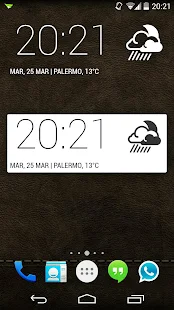
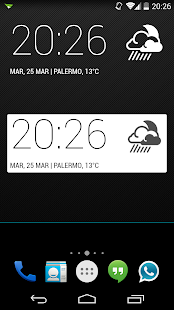
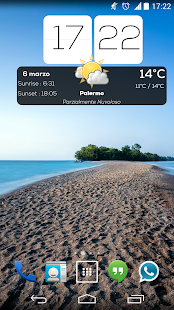

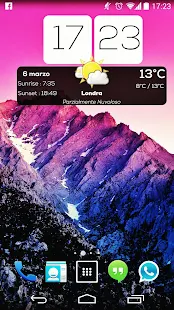
This is NOT Official HTC Widget.
The Widget change automatically the colors with day/night mode!
IMPORTANT
This is not a stand-alone app! YOU MUST HAVE ZOOPER WIDGET PRO 2.44 or above installed for this to work.
How to install:
1 - Download and install the skin
2 - Add a Zooper widget (preferably 4x2 or 2x2) to your homescreen (via long press on homescreen if you're running a launcher or via appdrawer if you're on stock ROM),
3 - When Zooper widget skins list pops up, choose HTC One M8 Zooper Widget to apply,
4 - Press back button
5 - Finish!
Tags : Htc One M8 Zooper Widget, Htc sense widget, htc weather, htc zooper, htc skins, the devicers


midmane lah 28 Mar, 2014
-
Source: http://apk-up.blogspot.com/2014/03/htc-one-m8-zooper-widget-apk-11.html
--
Manage subscription | Powered by rssforward.com