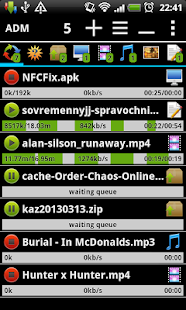
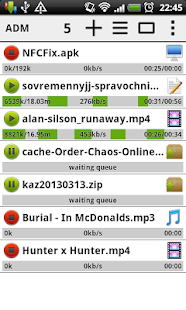
Features:
- accelerated download by using multithreading (3 parts)
- interception of links from the browser and a clipboard;
- the icon of the program and loading progress in the notification panel;
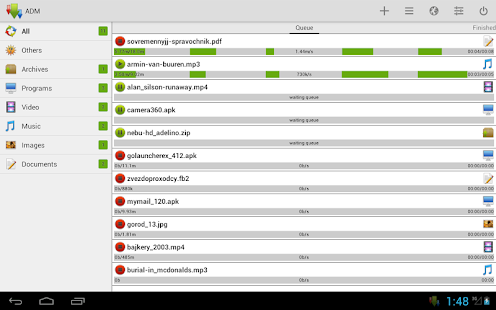
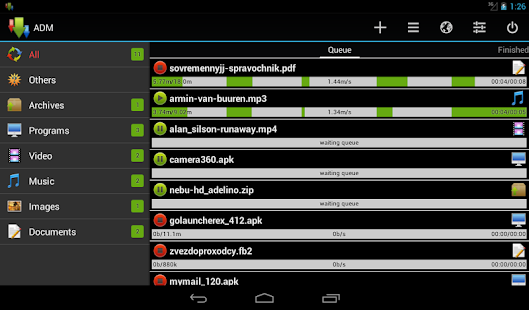
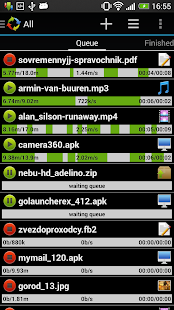
- the window over all windows with the list of running downloadings;
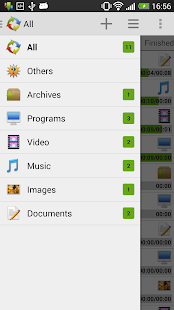
- saving of files of different types in different folders;
- sound and vibration after the download is complete;
- resume after disconnect or restart the program;
- more options in the settings.
In pro version (no ads):
- parallel downloading three files simultaneously;
- accelerated download by using multithreading (9 parts)
- planning of loading of files in due time.Add links from browser:
- press on link and from a window "Complete action using" select the program (supported by Stock Browser, Dolphin, Boat Browser, Chrome)
- long press on a link to display the context menu, press "Share link" and from a window "Share via" select the program (supported by Firefox, Skyfire, Stock Browser, Dolphin, Boat Browser), or press "Copy link" and service intercepts the link;
- copy the link text (beginning on "http://" or "www") in an address line of the browser and service intercepts the link (supported by Maxthon)
Control:
- press on the download to start/stop the process;
- press on the completed download to open the file;
- long press on download to display the context menu.
Widget:
- click on the widget to launch the program;
- if the program is running, click on the widget to start/stop the process;
- If the scheduler works, widget displays the time to start/stop.
NOTE: YouTube is not supported under the rules of Google. Does not support files larger than 2GB
What's New
+ new UI for Android 2-3
+ ability to move program to SD card;
+ new buttons "Move to top" and "Move to end" in context menu;
+ ability add "Exit" button in top menu (after a long press on "Exit" button in left menu)
+ "Smart download" support resume and multi-threading with a large number of sites;
+ button "Choice of name" appears only when there is something to choose;
+ "Restart download" renamed to "Auto resume"
+ best definition of file name;
+ fixed scheduler.
This app has no advertisements